

Learn
Advance your skills and knowledge of HDR Light Studio
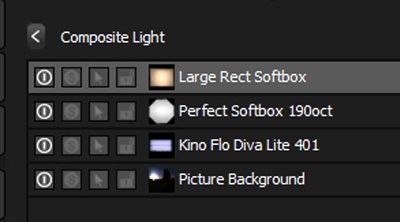
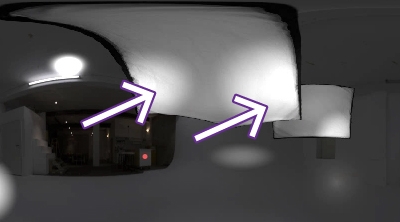
Composite: Enhancing a Single Light
How to add hot spots to an overhead softbox for a more dynamic lighting.
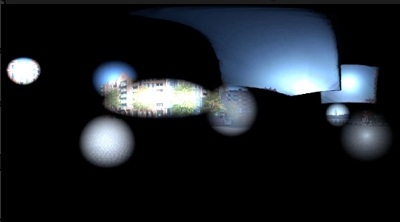
Composite: Studio Lighting blended with a HDRI map
How to incorporate the character and interesting reflections, that come from the HDRI map, into studio lighting.
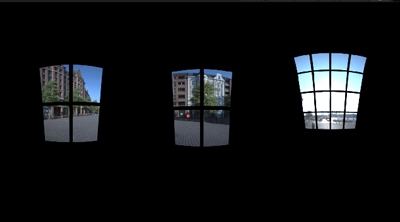
Composite: Windows through to a HDRI map
How to use window Gobo lights as a mask through to an outdoor HDRI map.
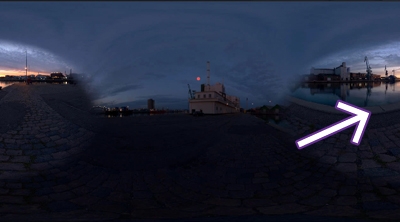
Composite: Moving a region of a HDRI map (Cloning)
Use Composites to move a specific region of a HDRI map, and to produce a more flattering reflection on the car.
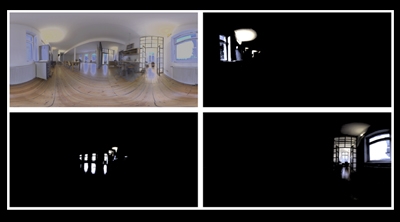
Composite: Controlling lighting in existing HDRI maps
How to use Composites to dissect an existing HDRI map, to then be able to control individual lights.
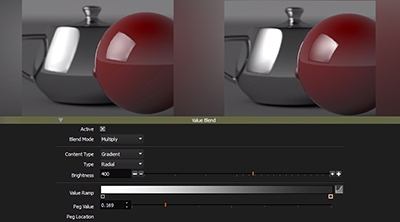
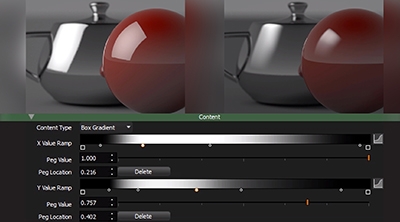
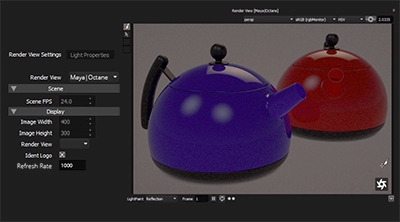
Streaming Render View
Learn about the new render view in HDR Light Studio Carbon and discover new ways to use it.
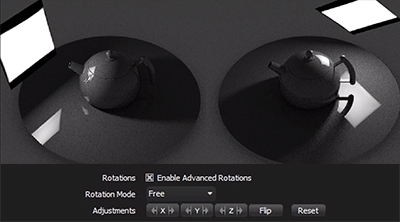
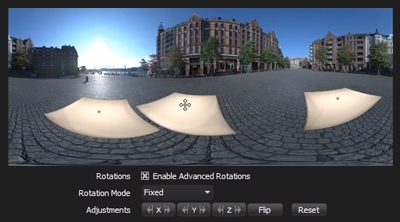
Advanced Rotations for lights on HDRI Maps
How to use the advanced rotation controls for lights on the HDRI map.
Not found what you're looking for?
Request a tutorial here.