



BLENDER LIGHTING ADDON
Professional 3D Lighting Tools and HDR Lighting Content for Blender. Supports Cycles, Eevee, Octane, RenderMan and V-Ray.
Do you find the lighting process too slow and tedious?
Do you find it hard to get the lighting right?
Our Blender lighting ‘Add-on’ connects HDR Light Studio to Blender, adding powerful 3D lighting tools and HDR content. Now you can light your shots easily, quickly and creatively - producing perfectly lit professional renders with the realism of photographs
Blender Lighting Add-on Features
Here you can see the key features of the live-link between HDR Light Studio and Blender

Live link with HDR Light Studio

Paint Light Positions

Live HDRI Creation

Live HDRI Editing

Live 3D HDR Area Lights

Library of HDR Light Captures

Manage HDRIs / Save Light Rigs

Supported Renderers

Live Project Sync
Find out more about HDR Light Studio lighting features - visit the main Features web page
Made with Blender and HDR Light Studio
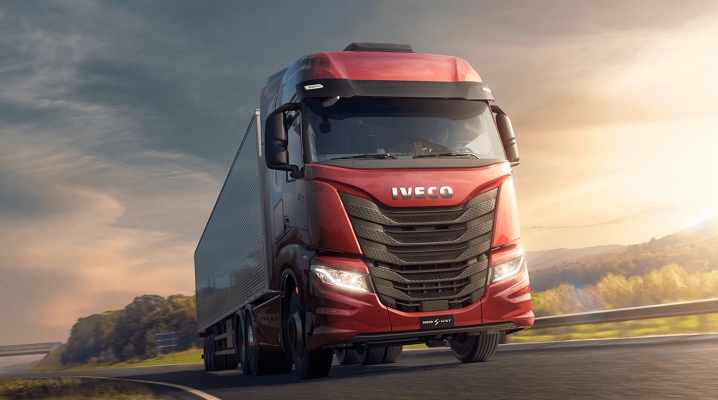
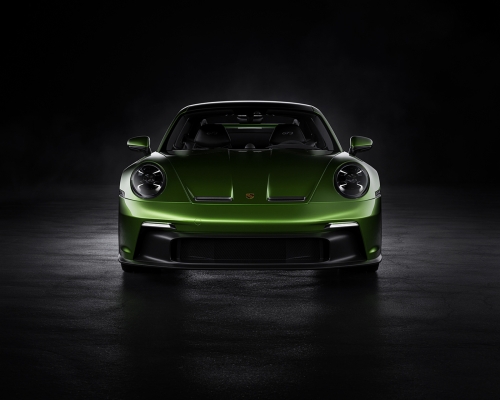
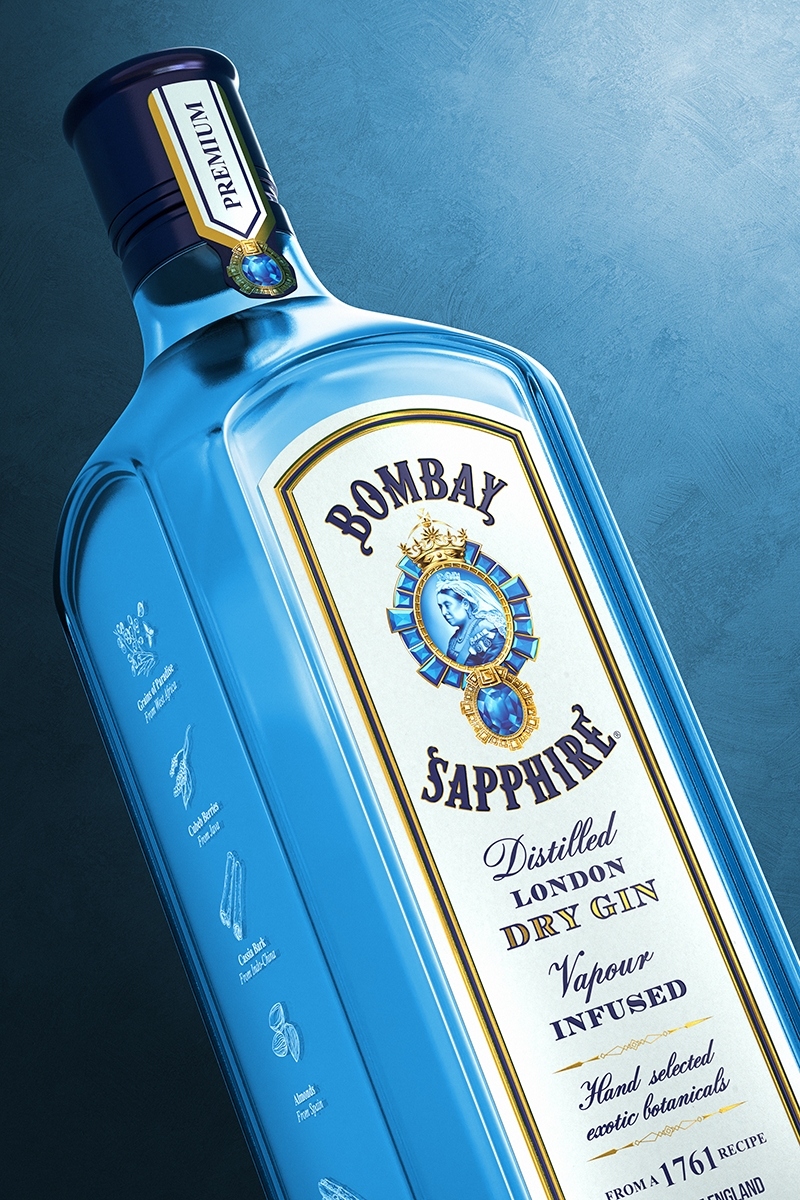
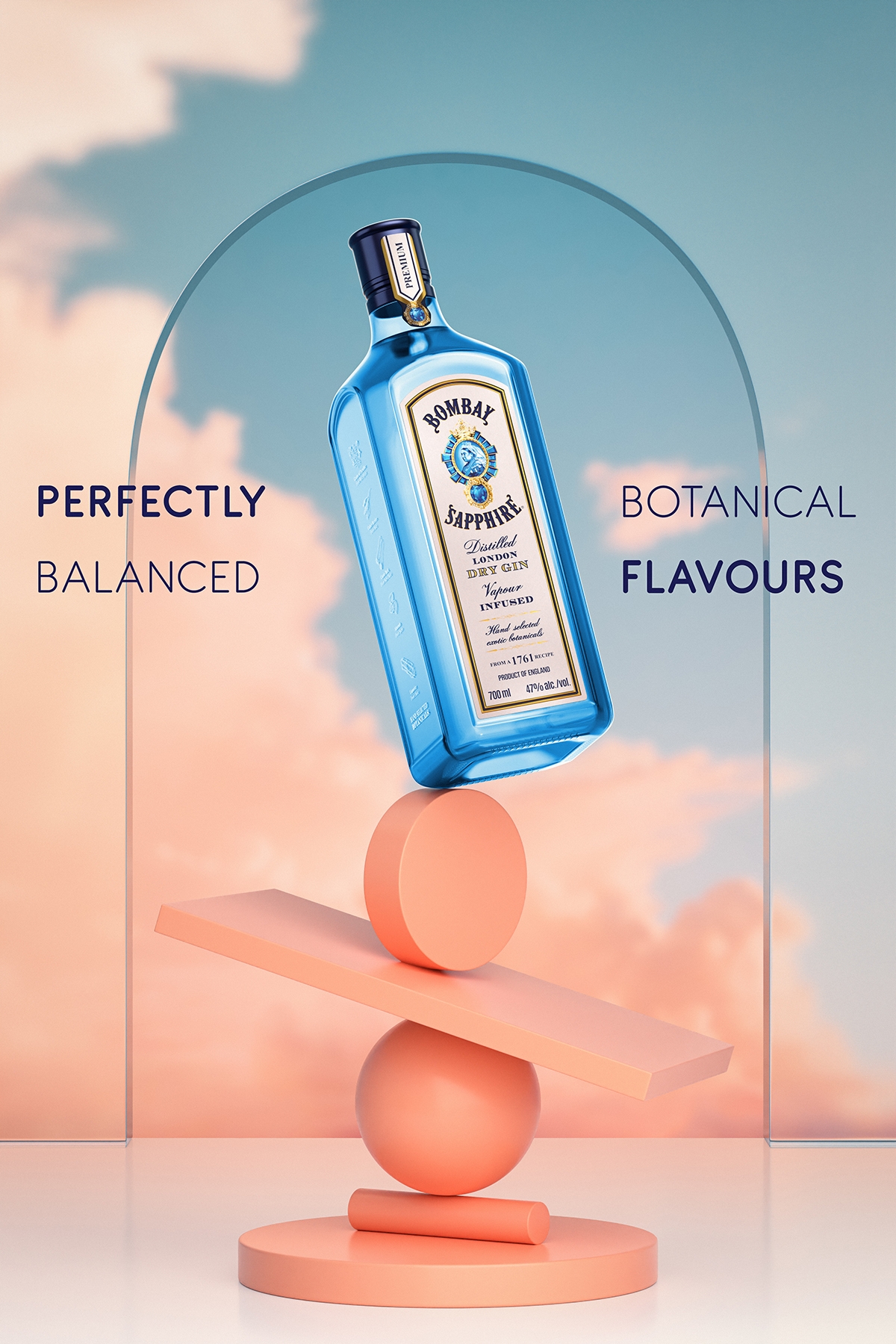
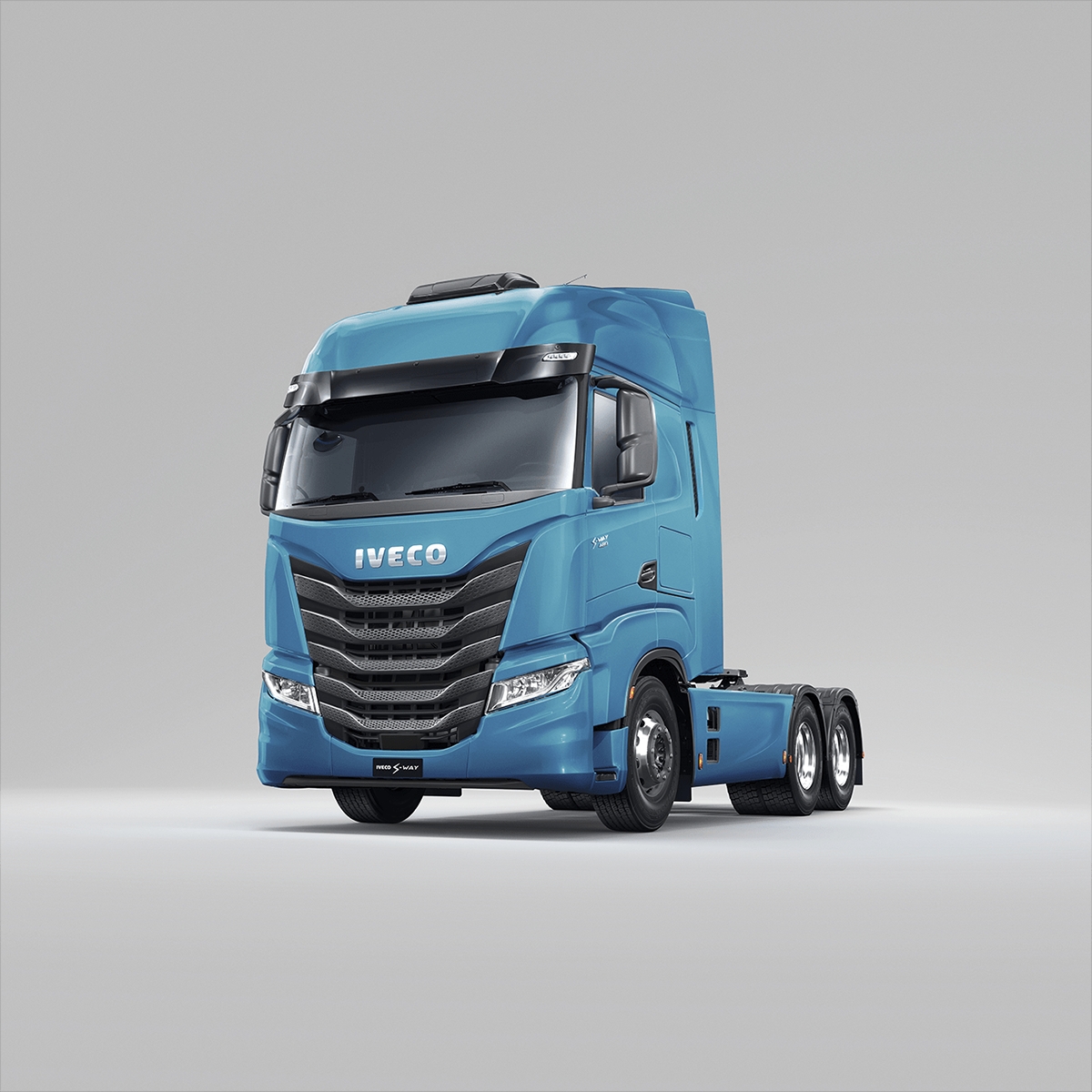
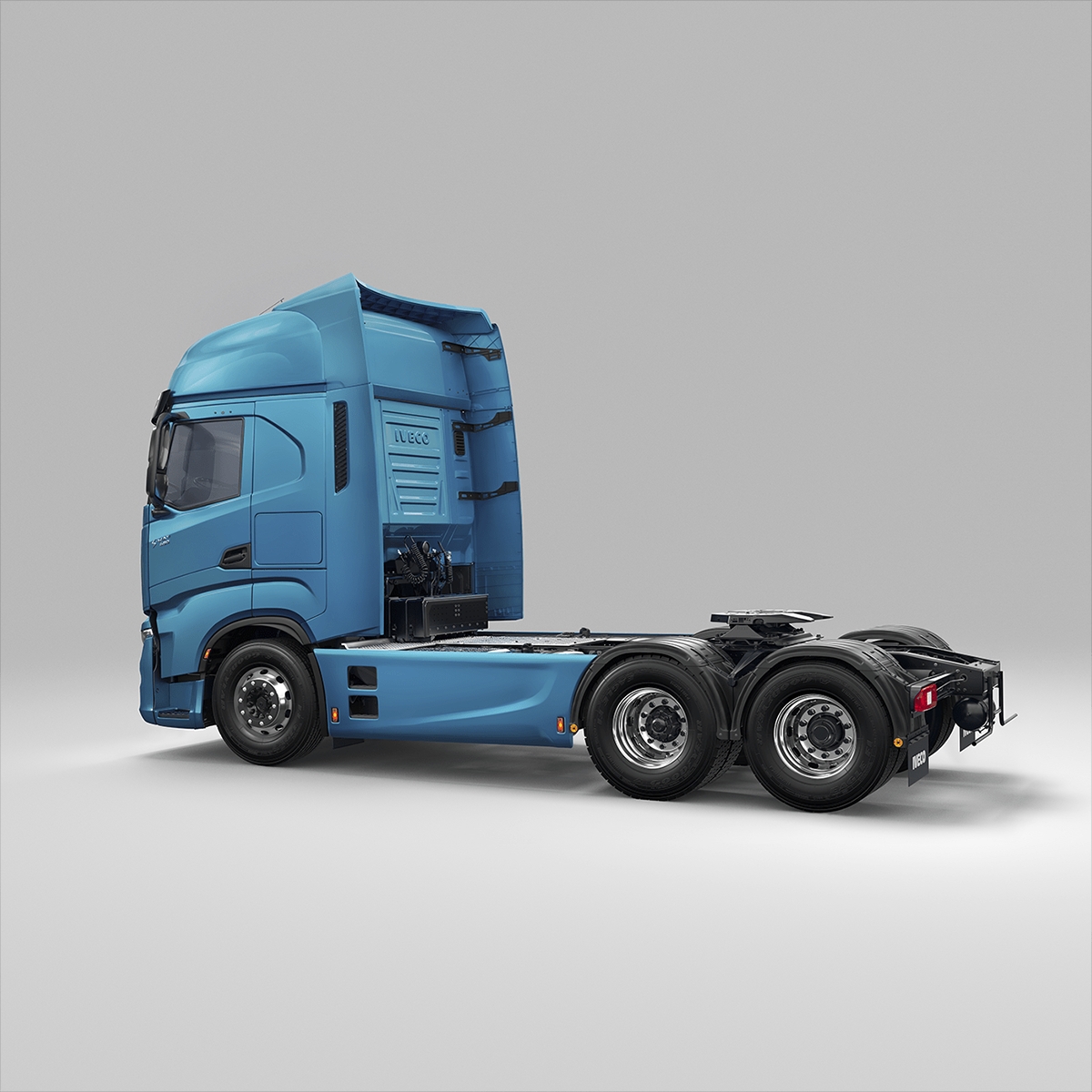
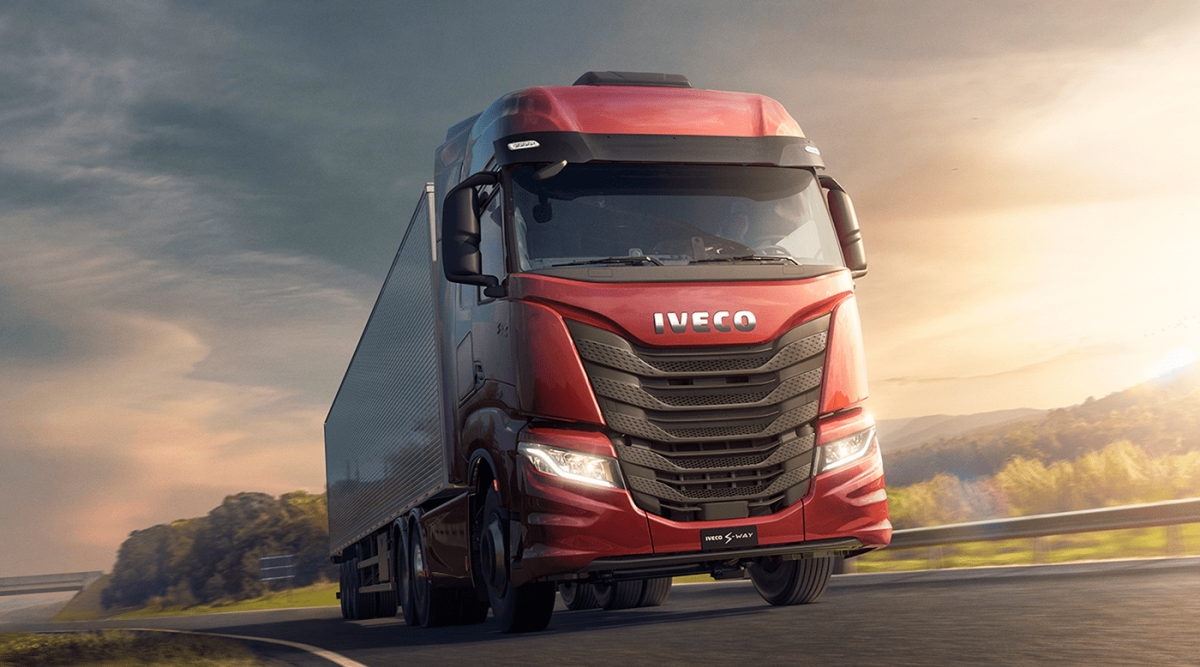
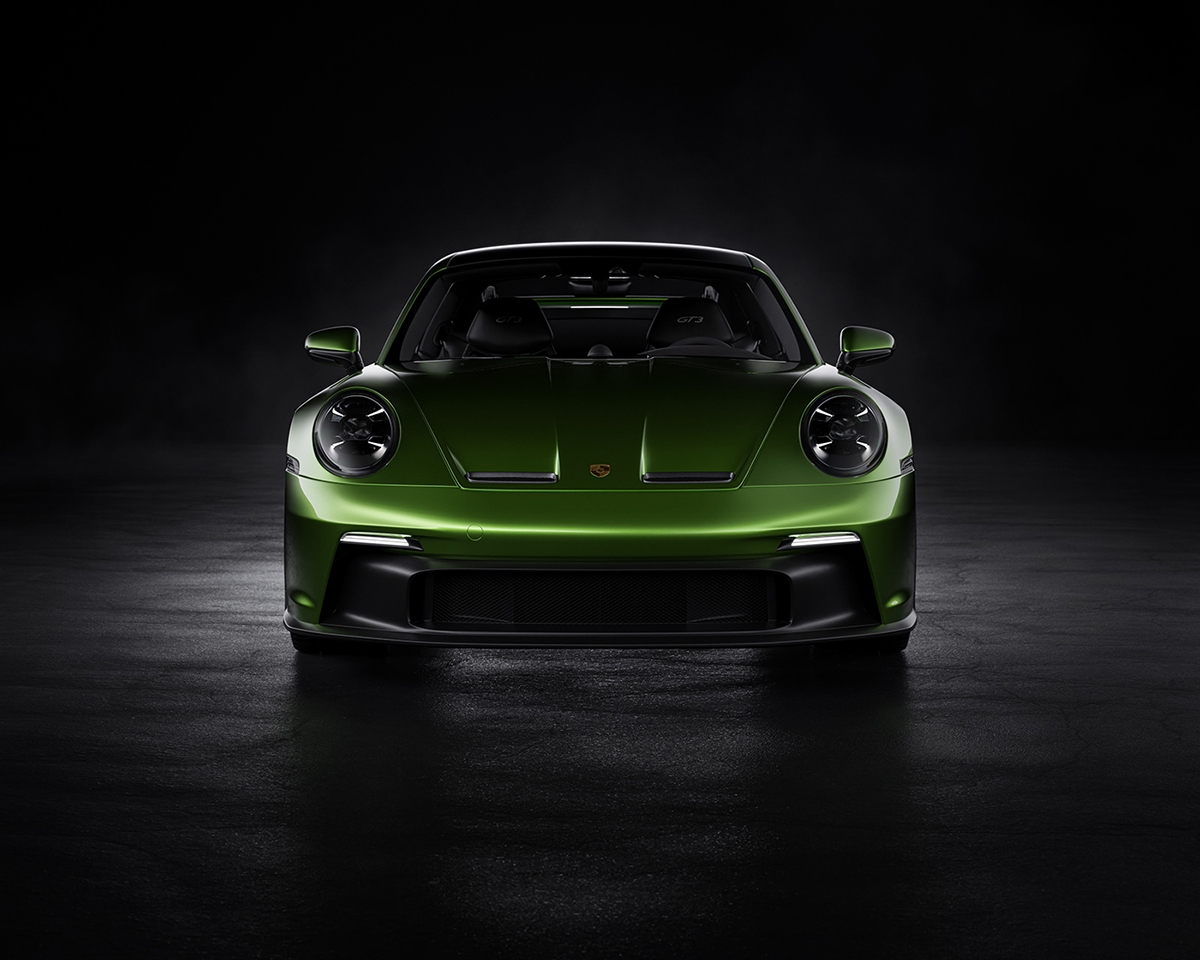
Gorgeous renders made with Blender and lit with HDR Light Studio
User Feedback
“The improvement in speed that HDR Light Studio provides is immense. Manually moving physical light objects and tweaking settings in Blender takes time. It’s nice to be able to focus on the lighting only and not have the clutter of items irrelevant to lighting that are in the UI. The LightPaint feature in HDR Light Studio is especially useful for precise pin-point light placement."
Giz Beardon
“HDR Light Studio gives me so much more control over my lighting. It is more Intuitive and allows for a larger scope of freedom to try ideas and play with them.”
Patrick Wilson
“HDR Light Studio is faster and more precise. You can get a basic setup very quickly, which you can then fine-tune, and because it’s easy to use with good real-time feedback, it invites you to play with lighting.”
Peter Hildebrandt
Blender User Stories

How to create clean 3D renders? - Interview with Iman Kimiaei

Daniel Vesterbaek: Choosing Blender for Automotive Rendering

Craig Dockerill: My Blender 3D Hobby
Learn to light with HDR Light Studio and Blender
Detailed documentation for installation, workflow and more can be found here
Compatibility (Our Latest Connection Build: 2026.8.21)
The single installer supports Blender 4.5.12+ - Windows, MacOS and Linux
Supported Renderers: Cycles, Eevee, Octane, RenderMan, NEW V-Ray
(Octane not supported in Linux)
See the Current Features Compatibility Chart for all Connections here
Plug-in Updates News
3rd September 2026 (Plug-in Build: 2026.8.21)
Support added for Blender 5.2 plus support added for V-Ray.
12th May 2026 (Plug-in Build: 2026.0324)
Support added for Blender 5.1. Please note: On macOS, Blender viewport streaming into HDR Light Studio broken due to a change in Blender. We are working with Blender to fix this.
13th January 2026 (Plug-in Build: 2025.1120)
Support added for Blender 5.