

Learn
Advance your skills and knowledge of HDR Light Studio
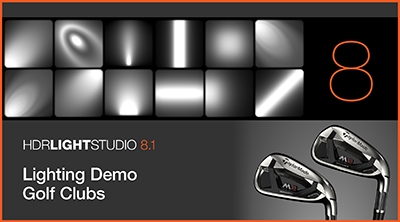
Golf Club Lighting Demo
This video takes you step by step through the process of lighting a product shot using HDR Light Studio 8.
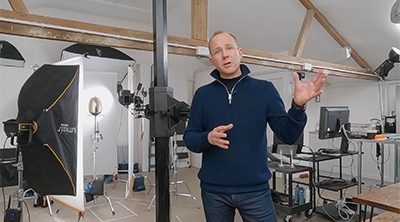
Learn about Scrim Lights for Product Photography
In this video, pro photographer Phil Sills shows how he uses scrim lighting in his studio.
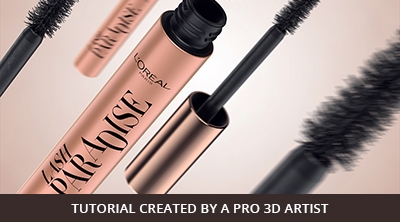
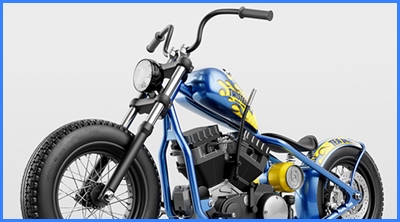
3 point lighting tutorial with HDR Light Studio
A step-by-step 3-point lighting tutorial with HDR Light Studio
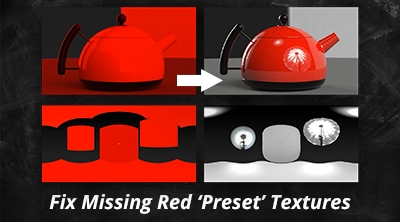
Fix Missing Red 'Preset' Textures
If you start HDR Light Studio and your preset lights are red, here is how to fix it.
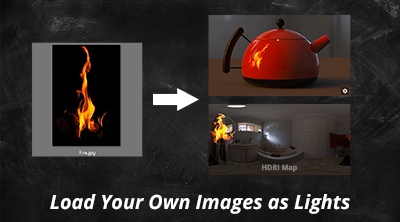
Load your own Images as Lights
Watch how you can make a light in HDR Light Studio using your own image textures.
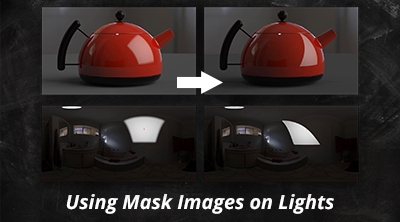
Using Mask Images on Lights
You can easily change the shape of your light using mask images. Watch this short tips video to see how.
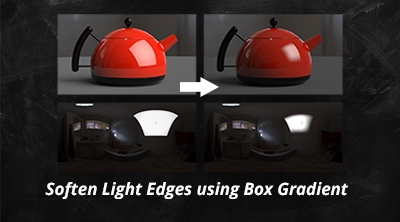
Soften Light Edges with Box Gradient
Want to control the softness of a light on a HDRI Map? Watch this video to find out how!
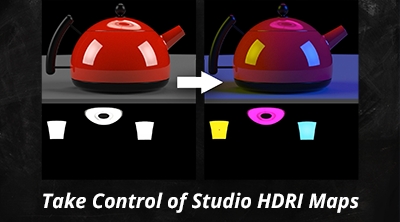
Take Control of Studio HDRI Maps
Want to take control of existing studio HDRI maps? Watch this short video to find out how.
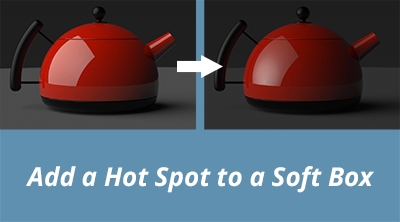
Add a Hot Spot to a Soft Box
Enhance a single light, to give the reflection seen in your 3D model a more dynamic and interesting appearance.
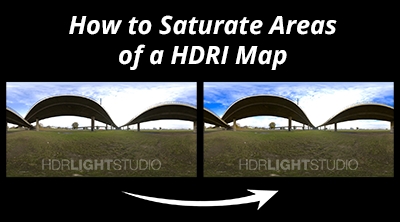
Local Saturation Adjustments to HDRI Maps
This short video will show you how to make saturate a specific area of a HDRI Map using HDR Light Studio.
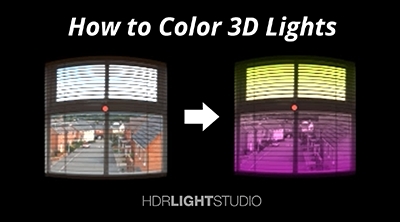
How to Color your Lights
This short video will show you how to change the color of a light created in HDR Light Studio.
Not found what you're looking for?
Request a tutorial here.