

Learn
Advance your skills and knowledge of HDR Light Studio
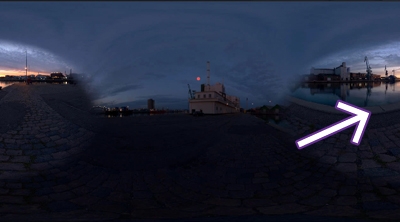
Composite: Moving a region of a HDRI map (Cloning)
Use Composites to move a specific region of a HDRI map, and to produce a more flattering reflection on the car.
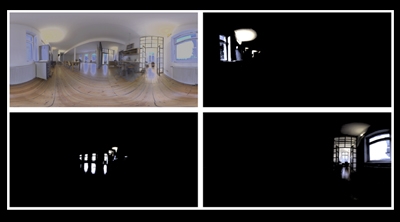
Composite: Controlling lighting in existing HDRI maps
How to use Composites to dissect an existing HDRI map, to then be able to control individual lights.
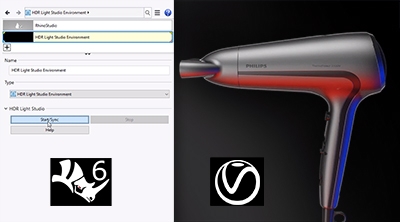
Getting Started: Rhino - V-Ray
How to use HDR Light Studio connection for Rhino 6 with V-Ray render.
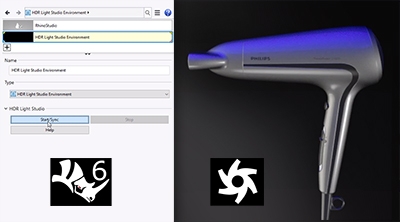
Getting Started: Rhino - Octane
How to use HDR Light Studio connection for Rhino 6 with V-Ray render.
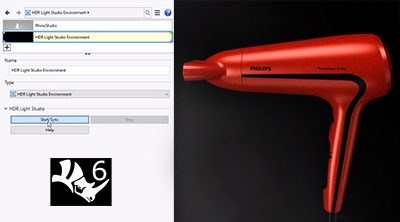
Getting Started: Rhino - Cycles
How to use HDR Light Studio connection for Rhino 6 with Cycles render.
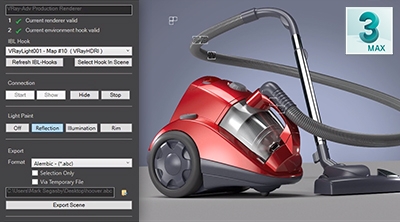
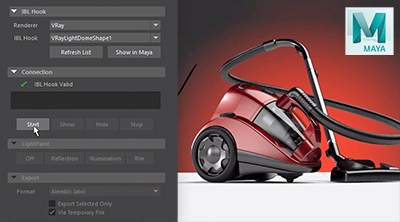
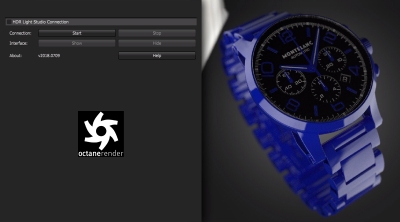
Getting Started: Octane Render Standalone Connection
Watch HDR Light Studio connection for Octane Render Standalone in action.
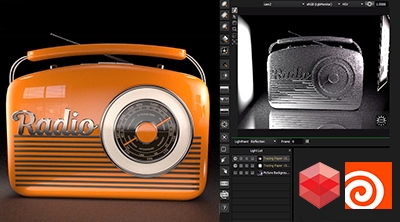
Lighting with Houdini & Redshift
Workflow of lighting a scene with HDR Light Studio in conjuction with Houdini and Redshift.
Not found what you're looking for?
Request a tutorial here.