Creative Freedom Without the Technical Distraction
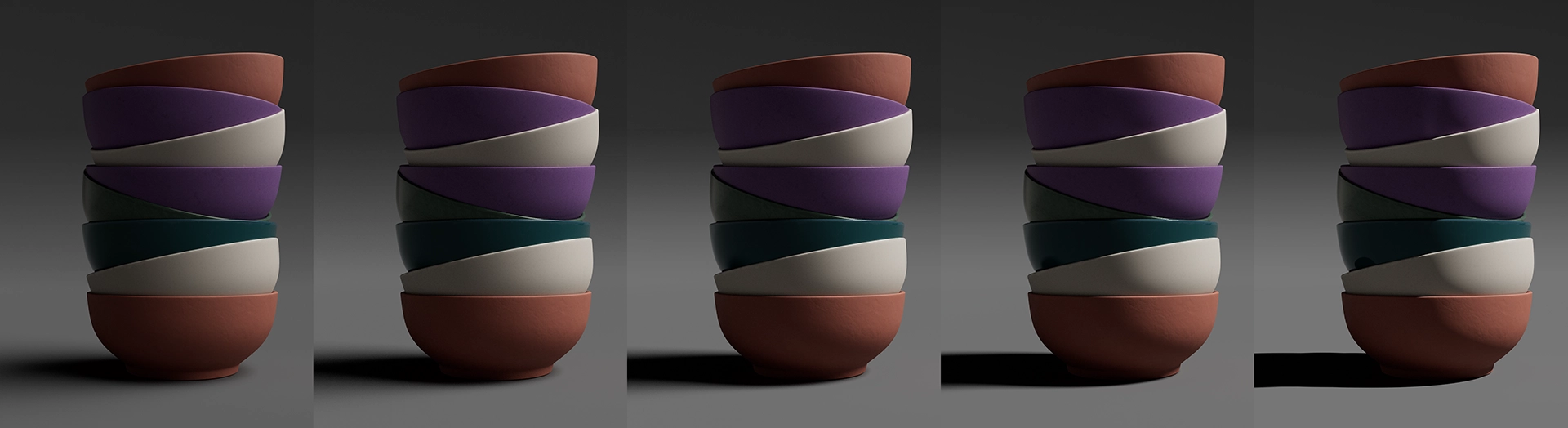
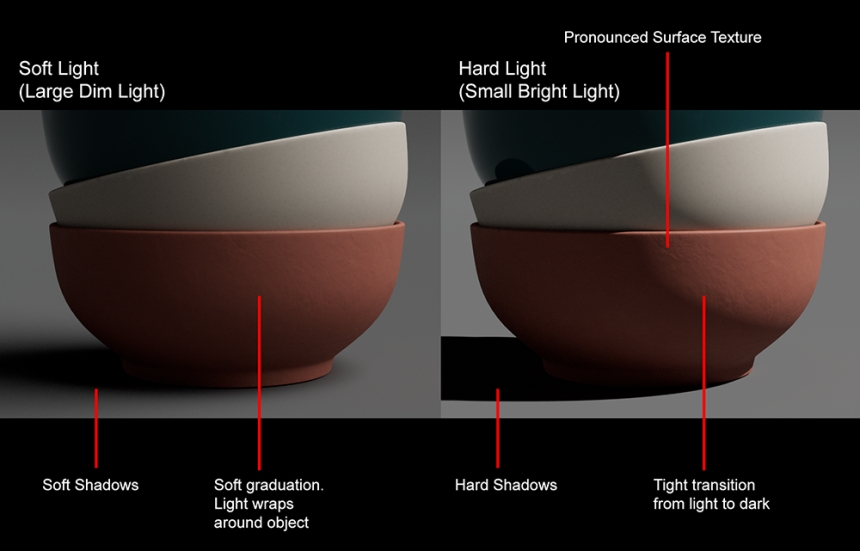
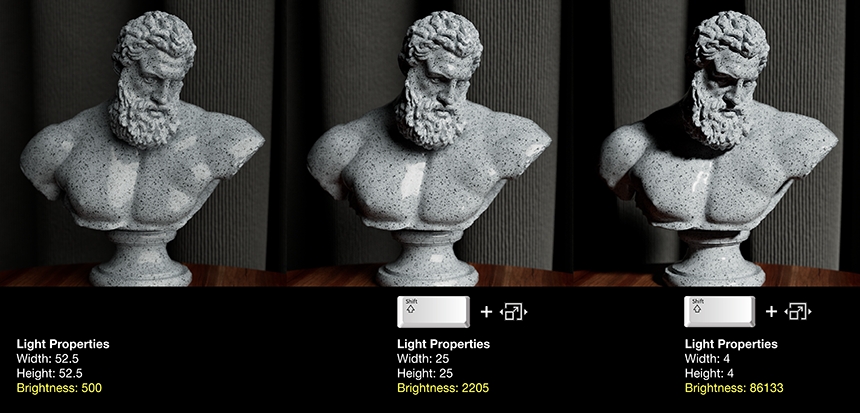
By holding Shift, the software handles the technical compensation automatically. As you scale your light larger to soften shadows, the brightness decreases proportionally to maintain the same total energy output. Scale it smaller for harder shadows, and the intensity increases accordingly.
This means you can explore creative lighting choices purely on their artistic merit - experimenting with shadow hardness, wrap, and texture reveal - without the overhead of simultaneously managing exposure levels. The illumination stays consistent while you shape the quality of light, letting you focus entirely on the look you're after.
Blender 5 Support
Our Blender plug-in now supports Blender 5, keeping pace with the latest release.
Navigation Refinements
The small things matter. The Project Menu now includes "Open Recent Files" for quick access to your recently saved HDi project files. In the Render View (HDR Light Studio), your middle mouse button now pans and scroll wheel zooms - controls that should feel second-nature if you've used any professional 3D application.
Standard Conventions
We've aligned keyboard shortcuts with industry standards:
Copy: Ctrl+C (Cmd+C on Mac)
Cut: Ctrl+X (Cmd+X on Mac)
Paste: Ctrl+V (Cmd+V on Mac)
Delete: Delete key
Less to remember, more muscle memory working in your favor.
More Descriptive Naming
Light names can now contain up to 63 characters - double the previous 31 character limit. Name your lights as descriptively as your project requires: "Rim Light Stage Left Warm Fill" instead of cryptic abbreviations to fit 31 characters.
Modern Color Foundation
Under the hood, we've updated to OpenColorIO 2.5.0, bringing support for both ACES 1.3 and ACES 2.0, along with improved error handling for missing configs. Your color pipeline stays current with industry standards.
Optimized Texture Update Performance
Optimized texture updates to eliminate redundant HDRI map refreshes, resulting in a smoother and more responsive rendering experience with fewer unnecessary render restarts.
HDR Light Studio 9.3.1 update (2 Feb 2026)
Unreal 5.7 support added
This update contains important Bug Fixes:
- HDR Light Studio now correctly informs users when they are using the low resolution demo presets with a message in the Presets panel.
- Undo after LightPaint operations in the Render Views has been fixed.
- Deleting Lumi-Curve points in the Editor has been fixed.
- Undo in the Lumi-Curve Editor has been fixed.
- DELTAGEN: Fixed a bug where not using the HDR Light Studio UI when our plug-in had loaded caused DELTAGEN to hang on exit.
- Unreal 5.6.1 and 5.7.1: Fixed an issue where over time Unreal would grind to a halt due to area light texture updates.
- Unreal: Fixed an issue where area lights would disappear after texture updates.
HDR Light Studio 9.3.2 update (11 Feb 2026)
This release contains a critical Bug Fix:
- Area lights were being incorrectly included on the HDRI map production render. This release fixes that bug.
The philosophy behind Drop 3 is simple: professional tools should get out of your way and let you focus on lighting. These refinements won't make headlines, but they'll save you small moments of friction dozens of times a day. And those moments add up.